On this page
This is an easy guide to help you take passport photo at home and avoid rejection of your documents for the sole reason of a bad passport photo.
Let me be clear about something: This is not your average "how-to guide" that explains only on how to take passport photo.
Instead, we'll cover the most common things like photo sizes, image quality. And also, you're going to learn advanced stuff like different photo types, what and how to dress, background requirements and printing tips.
So, if you are planning to take passport photos and wanted to print at home, this guide will be helpful to you.
Taking your Passport Photo

We always think that taking a passport photo is a complex process that needs knowledge about photography, photo editing, etc. And so we generally go to a photo studios to process them.
But, it’s 2020 instead of tracking down photo booths, studios and paying them extra money for a few photos as you usually do, you can actually take your own passport photos and print at home in just a few minutes.
Before going straight to the task, we need to know about some basic things like; the dimension, types of photos, size, and photo requirements to improve your editing and to avoid mistakes which can lead to rejection of applications.
Major types of ID Photos
Well, there are different types of Id photos being used worldwide. But, Majority of countries fall under these 4 types of photos. They are
Passport photo
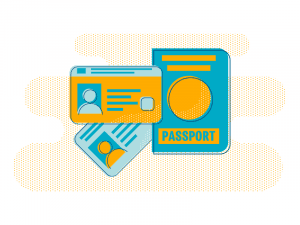
A Passport is the most accepted form of identification across the world.
That is given for those who clear a series of background verification set by the government authorities.
Photos of the person used for applying for a passport for personal identification is called a passport photo.
Visa photo
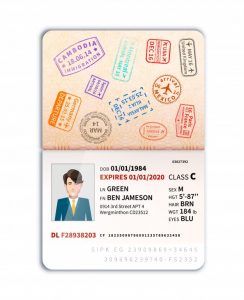
A Visa is a type of document where the country permits people belonging to another country to enter and to stay for a specified period.
There are different types of visas issued by every country.
Once a visa is applied, the person has to undergo a set of background verification to process the visa.
Photo given by the person applying for the visa of another country for identification is called a visa photo.
ID photo
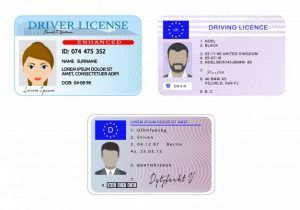
A local ID is an identity document that includes a photo of a holder their basic details such as their address, date of birth and are used to prove the person's identity.
IDs are also issued for certifying a person that he/she has qualified privileges and accesses based on the type. For example, getting a driver's license gives one access to drive a vehicle.
Every county will have its set of local ID's issued by government authorities, such as driving license, Identity cards, green card, PAN card..
Photos of the person used for applying local ID or getting certified are called as ID photos.
Online Application photo
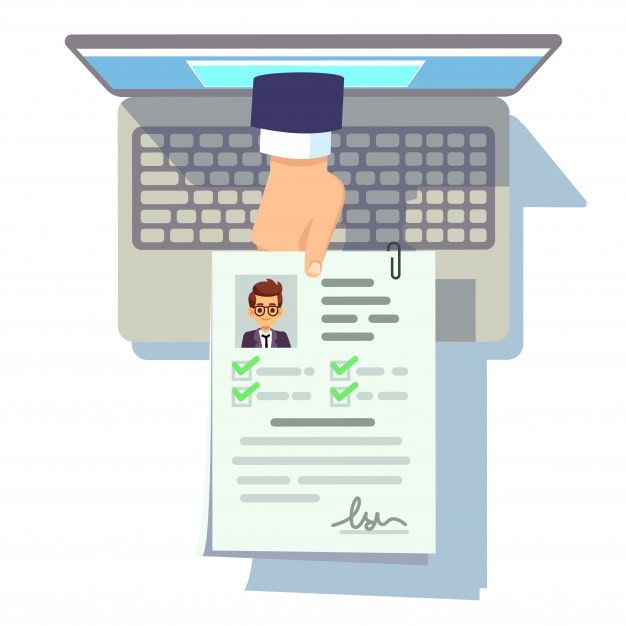
As the majority of people nowadays use smart devices, various online applications compel users to provide digital photos for online applications
So, there is an increasing demand for digital ID photos as well.
Digital photos are photos that are not physically printed but are only used for online purposes. Any type of ID photos used for such purposes like online job applications, college applications, exam applications are called online application photos.
As we now know about the types of ID photos used by major countries we can now go further to discuss the set of rules and photo sizes mandated by different government bodies.
How to take passport photo at home?
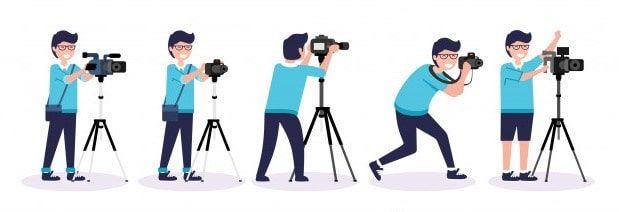
As photos in applications are mainly used to identify the facial features of a person. The photo has to be clear and perfect. To do that follow the steps below;
Quality & Resolution
The quality is very essential when it comes to a passport photo. So, to improve quality. All you need is:
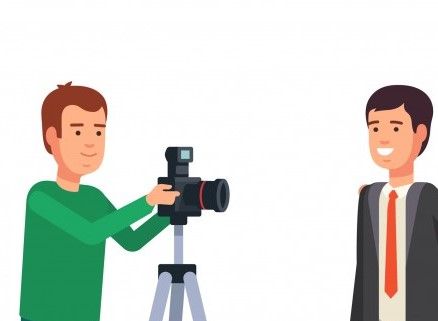
- A person to assist and to take the photo.
- Or else, a tripod to take the photo.
- A device to capture quality images such as a smartphone or a digital camera.
- And a plain white background.
Note: Selfies are not allowed for a passport photo. If you plan to take your passport photo on your own. Then, adjust the position of the camera as per your height with the help of a tripod or selfie stick.
Background
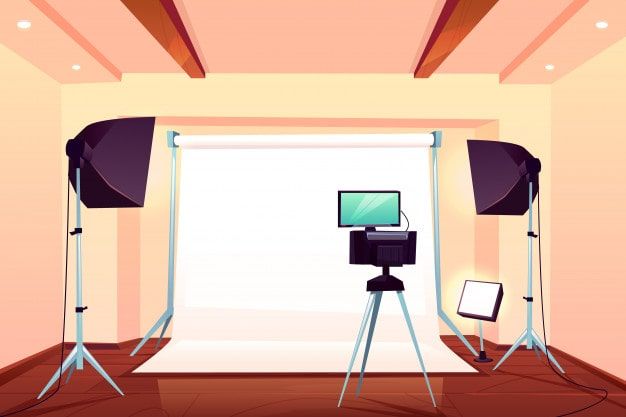
A white background is advised by most countries as a primary rule for a passport photo.
There may be some exceptions like Palestine, Jamaica. Where they instruct people to use a blue background for their passport photos. To check the exact background required for your requirements check our list here
In most cases, a white background is preferred.
What to wear for passport size photo?
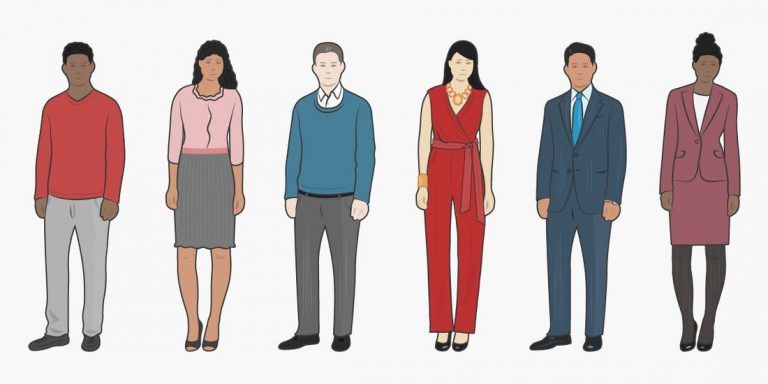
When it comes to attire for a passport size photo. Everyone has the same question in mind i.e. What should I wear for the photo?
Since there is no standard dress code for a passport photo. People can wear whatever they wear on a normal day with an exception to wear any kind of headwear or specs for the photo.
However, if you wear the headwear for religious beliefs such as a Turban or a Hijab, then you should take passport photo in a way which the headwear should not cover any vital parts of your face or the forehead.
And, you are only allowed to wear specs with transparent shade, if you have eye defects.
But, have to submit a written copy about the defects from your physician to the country’s government.
Pose, Expression and Lighting
- When we take passport photo, make sure that your face is in the center of the frame showing the vital parts of your face.
- Smiling for the photo is not encouraged by everyone.
- So, a neutral expression of the face is preferred by every country.
- Photos should not contain any shadows on the background or in the face.
So, make sure to take photos without any shadows on it.
Editing Passport Photo
Now, that you've taken a perfect snap.
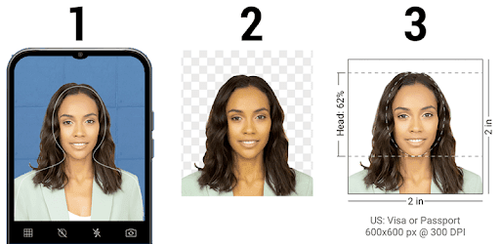
You have to edit the photo to the correct size and print them. Below you will find the sizes for various countries. You can refer them and prepare your photo using Photoshop or you can try out our online passport photo creator. Using our passport photo generator you don't have to worry about the photo dimensions, it is automatically taken care by the software.
Here you can create passport photos of different countries with exact measurements in just a few minutes
All you need to do is.
- Go to makepassportphoto.com.
- Select the photo-type, number of copies and upload the photo.
- Adjust the photo as per your country requirements.
- Now, download the photo.
Here is a video tutorial on how to create the perfect passport photohttps://www.youtube.com/watch?v=gXfZIfegGOk
Passport photo size for major country documents
In case you know how to edit on photoshop, then you can edit on your own. But, here is the catch. Every country has its set of size requirements for different documents
To make things easy, we have collected information on different types of document and their photo sizes for major countries.
Below is the list of passport photo size requirements for various documents. find your required passport photo size and edit according to it.
U.S Passport photo size
| Document Type | Size in cm | Size in mm | Size in Inch | Background |
|---|---|---|---|---|
| US Visa | 5.08x5.08 cm | 58x58 mm | 2x2 Inch | White Background |
| US Passport | 5.08x5.08 cm | 58x58 mm | 2x2 Inch | White Background |
| US Green Card (Permanent Resident) | 5.08x5.08 cm | 58x58 mm | 2x2 Inch | White Background |
| US Citizenship | 5.08x5.08 cm | 58x58 mm | 2x2 Inch | White Background |
| US Employment Authorization | 5.08x5.08 cm | 58x58 mm | 2x2 Inch | White Background |
| US NY Gun License | 3.8x3.8 cm | 38x38 mm | 1.5x1.5 Inch | White Background |
U.K Passport photo size
| Document Type | Size in cm | Size in mm | Size in Inch | Background |
|---|---|---|---|---|
| UK Passport offline | 3.5x4.5 cm | 35x45 mm | 1.37x1.77 Inch | White Background |
| UK Visa | 3.5x4.5 cm | 35x45 mm | 1.37x1.77 Inch | White Background |
| UK Driving Licence | 3.5x4.5 cm | 35x45 mm | 1.37x1.77 Inch | White Background |
| UK ID/residence card | 3.5x4.5 cm | 35x45 mm | 1.37x1.77 Inch | White Background |
| UK BASC Firearms / Shotgun Licensing | 3.5x4.5 cm | 35x45 mm | 1.37x1.77 Inch | White Background |
Indian Passport photo size
| Document Type | Size in cm | Size in mm | Size in Inch | Background |
|---|---|---|---|---|
| India Visa | 5.08x5.08 cm | 58x58 mm | 2x2 Inch | White Background |
| India Visa Online | 190x190 Pixels | White Background | ||
| India OCI Passport | 5.08x5.08 cm | 58x58 mm | 2x2 Inch | White Background |
| India Passport | 5.08x5.08 cm | 58x58 mm | 2x2 Inch | White Background |
| India passport (from Thailand) | 3.5x3.5 cm | 35x35 mm | 1.37x1.37 Inch | White Background |
| India PAN card | 2.5x3.5 cm | 25x35 mm | 0.98x1.37 Inch | White Background |
| India PAN card online | 213x213 Pixels | White Background | ||
| India online driving licence | 420x525 Pixels | White Background | ||
| India driving licence | 3.5x4.5 cm | 35x45 mm | 1.37x1.77 Inch | White Background |
| India PIO (Person of Indian Origin) | 3.5x3.5 cm | 35x35 mm | 1.37x1.37 Inch | White Background |
| India PCC / Birth Certificate | 3.5x3.5 cm | 35x35 mm | 1.37x1.37 Inch | White Background |
| India FRRO (Foreigner Registration) | 3.5x3.5 cm | 35x35 mm | 1.37x1.37 Inch | White Background |
| India Passport for BLS USA Application | 5.08x5.08 cm | 58x58 mm | 2x2 Inch | White Background |
| India Police clearance certificate (PCC) | 5.08x5.08 cm | 58x58 mm | 2x2 Inch | White Background |
Australian Passport photo size
| Document Type | Size in cm | Size in mm | Size in Inch | Background |
|---|---|---|---|---|
| Australia Passport | 3.5x4.5 cm | 35x45 mm | 1.37x1.77 Inch | White Background |
| Australia Visa | 3.5x4.5 cm | 35x45 mm | 1.37x1.77 Inch | White Background |
| Australia adult proof of age card | 3.5x4.5 cm | 35x45 mm | 1.37x1.77 Inch | White Background |
| Australia NSW Driver's Licence Photo-kit | 3.5x4.5 cm | 35x45 mm | 1.37x1.77 Inch | White Background |
| Australia Victoria Driver's Licence Photo-kit | 3.5x4.5 cm | 35x45 mm | 1.37x1.77 Inch | White Background |
| Australia Queensland Driver's Licence Photo | 3.5x4.5 cm | 35x45 mm | 1.37x1.77 Inch | White Background |
Canadian Passport photo size
| Document Type | Size in cm | Size in mm | Size in Inch | Background |
|---|---|---|---|---|
| Canada Visa | 3.5x4.5 cm | 35x45 mm | 1.37x 1.77 Inch | White Background |
| Canada Temporary Resident Visa | 3.5x4.5 cm | 35x45 mm | 1.37x 1.77 Inch | White Background |
| Canada Passport | 5x7 cm | 50x70 mm | 2x2.75 Inch | White Background |
| Canada Permanent Resident Card Online | 1680x1200 Pixels | White Background | ||
| Canada Permanent Resident Card | 5x7 cm | 50x70 mm | 2x2.75 Inch | White Background |
| Canada Citizenship | 5x7 cm | 50x70 mm | 2x2.75 Inch | White Background |
Philippines Passport photo size
| Document Type | Size in cm | Size in mm | Size in Inch | Background |
|---|---|---|---|---|
| Philippines visa | 5.08x5.08 cm | 58x58 mm | 2x2 Inch | White Background |
| Philippines RUSH ID photo | 2.5x2.5 cm | 25x25 mm | 1x1 Inch | White Background |
| Philippines license | 2.5x2.5 cm | 25x25 mm | 1x1 Inch | White Background |
| Philippines Machine Readable Passport | 3.5x4.5 cm | 35x45 mm | 1.77x1.37 Inch | White Background |
| Philippines visa | 3.5x4.5 cm | 35x45 mm | 1.37x1.77 Inch | White Background |
| Philippines Certificate of Identity and Registration (CIR) card | 2.5x2.5 cm | 25x25 mm | 1x1 Inch | White Background |
| Acknowledgement of employment contracts | 3x4 cm | 30x40 mm | 1.18x1.57 Inch | White Background |
Passport photo size for other countries
For someone who needs to know the size requirements for other countries. Here is the passport photo size for 140+ countries with accurate measurements.
Printing passport photo at home
Now, that you’ve finished editing the image. We now have to print the photo with the help of your printer.
Note: every passport photo has to be colored in order to be valid.
So, you can use a high resolution color printer to print. The only thing you have to check is the type of paper to use and printer settings.
Printer settings
Printing a passport photo is super easy. At first, select the photo to be printed.
Then select the printer, paper size, quality (no less than 300 dpi), border less printing and select print.
Which paper to choose?
In most cases, countries prefer photos with a glossy texture. So, any A4 photo paper with 180 GSM (Grams per square meter) can be used to print a passport photo.
There are some countries like Singapore, Jamaica. Where they’ll prefer matte finish for their passport photos.
In such cases, matte photo paper with a range of 90-120 GSM can be used to print a passport photo.
Since the paper used for printing is printable on one side, make sure to place the textured side facing the top of the printer when printing.
Now It's your turn
So, that’s how you can easily take and print your passport photos from home.
Now we want to turn it over to you: Does this guide helpful for you to create your passport photo?
Let us know by leaving a comment below.